Multi-user application with roles and permissions
In an application shared by several teams, everyone should see what concerns them. We design the roles and permissions with you, entity by entity, before writing the first line of code.
What we build
- 01
Custom roles
Administrator, manager, employee, client or partner, with the permissions you define.
- 02
By entity and by team
A subsidiary, a store or an agency sees only its own data.
- 03
Invitations and accounts
Administrators invite users, assign roles and revoke access.
- 04
Single sign-on
Employees sign in with their company account and two-factor authentication.
- 05
Audit log
Who did what, and when, for every sensitive action.
- 06
Delegation
A manager hands over part of their permissions during an absence, for a period they choose.
Already delivered
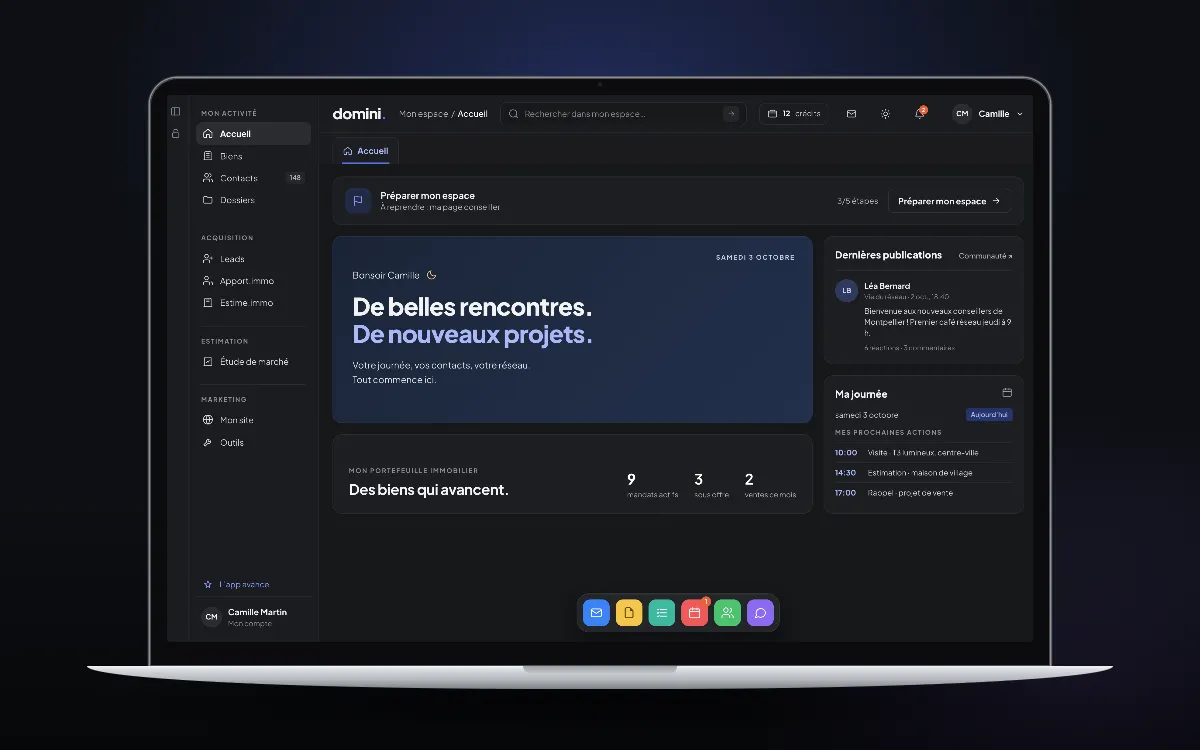 Domini Team
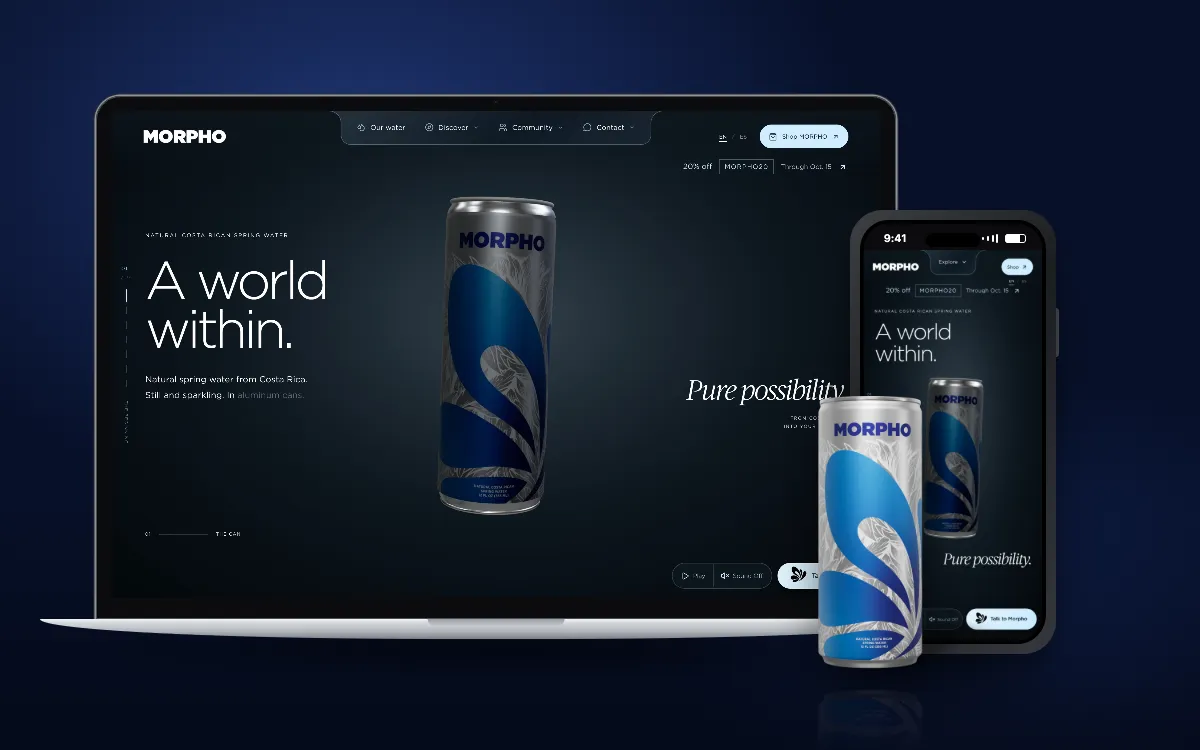 MORPHO
Related expertise
Frequently asked questions
Can roles be changed after launch?
Yes. Your administrators adjust roles and permissions themselves, and every change is logged.
Can users sign in with their Microsoft or Google account?
Yes. Single sign-on lets them use their company account, and permissions follow each person’s role.
Can a user have several roles?
Yes. The same person can be a manager in one entity and have read-only access in another.
Have you built this kind of application before?
Yes. Domini Team gives each advisor their own space, and MORPHO’s studio keeps the access of each team member separate.